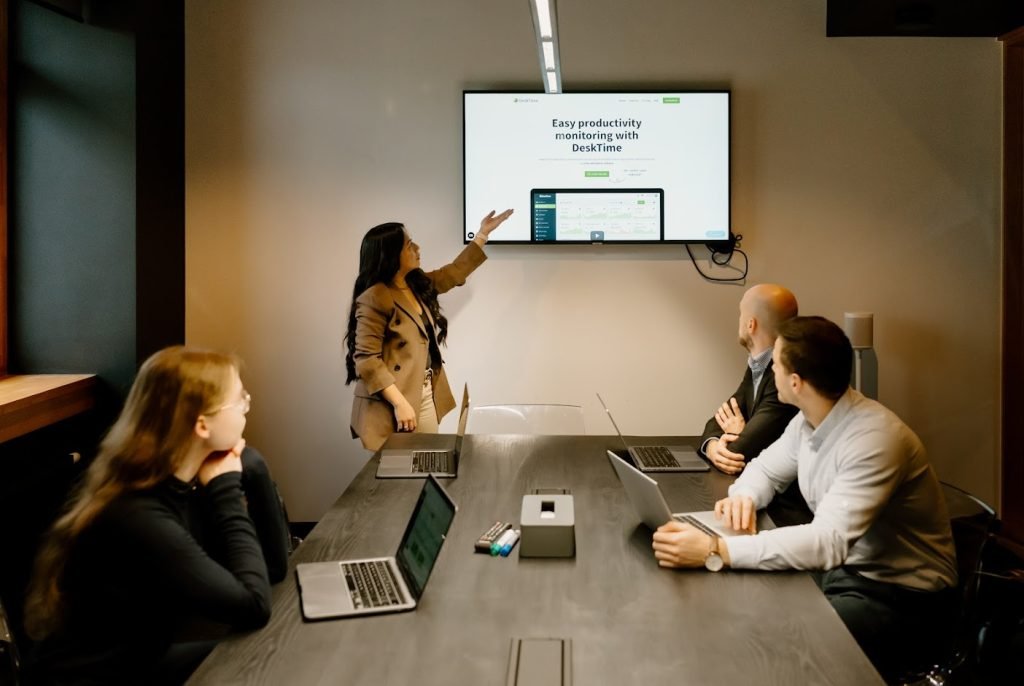
We check a few out at a time. It can quickly become a huge task if you scale that to 10 or 50. We hire in the hope that the work will appear. Months go by, and we are still in the verification phase. Roles and styles are different. One evaluation form does not fit all. We still need to figure out how to see progress that doesn’t make the weekly report sessions. And if you have a large team, then you definitely need to use employee monitoring software to find out what your team is doing.
For employee monitoring, we put Controlio software on the staff’s laptops/phones. The software starts/continues a task when staff logs on to the device. Staff is captured logging on/off to take breaks or perform personal tasks. So, we get hours worked by staff.
The software helps managers to see which websites staff visits throughout the workday and long idle times. A manager approves the timesheets based on the numbers. Staff is permitted to pause the agent for personal tasks. You can track mouse jigglers to see if staff is keeping their computer screen on while they are away from their desks.
Establish standards first
If you want to assess your team’s output, you first need to standardize what you want to assess. Generally speaking, the main results of a role are closing deals, resolving support tickets, or finishing designs (or any other main component of that role). Keep things simple. People have difficulties remembering extensive standards. Communicate the standards at the start of every quarter. Change them whenever necessary. Remember, ‘busy work’ is not a standard. A better standard could be to make a certain number of calls per week.
Encourage and use documentation
The key to providing useful information is usually in the short documentation people do themselves. Ask your team to do a quick end-of-day documentation to communicate what they’ve completed, what’s stalled, and what they will work on next. Each of these documentations should be just a few sentences. This documentation helps provide a running account of a team member’s work. They also help identify issues that may be blocking a team member’s work and potentially slowing the team down.
Use simple monitoring software
Most organizations take the “innocent until proven guilty” approach to monitoring employee productivity. A basic monitoring software cuts most of the guesswork. One of your employees is taking a long time on a daily task? You can see which applications and websites he is using the most. Have an employee that is taking long breaks? You can see how much time he is taking off and when he is idle. You can even take control of his computer. You can also see how productive he is in time. Reports can show the load so you can adjust it without having to do a time-consuming, daily check-in. Leave the agent software running, and take screenshots. Controlio Software covers the usual cases and lets you do that. Most teams have the basic view running within a day. Exports go into payroll software. Staff can even pause the agent.
Check the channels people already use
Email still rules. A reply to an email can serve as an update. How quickly is your project management software updated? What about your messaging and chat applications? People still use email to ask for and give updates. You can serve as the absent email or chat message. A quick glance or a 5-second reply can serve as an update to your team.
Measure the Right Things
It’s not always possible to track employee time. It’s okay for an employee to take a long time to finish a task. Better signals may be delivering work on time, or the quality of the work, or both. Focus on those. The numbers, or data, become more helpful for planning and serving as a guide for the next iteration of work. You are always free to adjust the goal, then set a new standard.
Feedback is the best way to see progress. The next time you need your coworker to describe how tightly a report is written, or how clearly a spreadsheet captures specifics, let them know. The next client meeting is a good opportunity to see progress. Remember, giving feedback may have been the tough part. Identifying the software, or small example, that helps most may have been the tougher part. It’s worth a try. It’s definitely better than pulling your hair out.
Closing Notes on Productivity Tracking
Standards and short daily notes are the heavy lifters here. Light touch monitoring software fills the gaps that short daily notes do not catch. Most managers do a first-week shift of one or two workloads and then leave the settings alone. The rest of the time the settings are left the same. The flexibilities of the team are preserved, and the numbers are reasonably close to the actual work being done, so you don’t really have to take wild guesses anymore.
Should I review productivity data on a different schedule?
Most of our customers review productivity data weekly. We see most behavioral trends on a weekly basis.
For example, an employee may have a high idle % on a Monday due to a meeting block, while another employee may have a high idle % in the afternoons due to an issue with their workload.
Do I need to take screenshots for each employee?
No, initially look at the usage of the app and the time employees spend in the app. Usually after the first week, customers turn screenshots off for employees.
What happens if an employee works odd hours?
Focus more on the work and agreed-upon deadlines vs. when the work is done. For example, if an employee works on a project from home all day and delivers the work at 6pm, vs. if the work was delivered at 8am.
Does your software integrate with payroll?
Yes, we integrate with payroll. Controlio and other monitoring software give the option to export employees’ work hours to your payroll software, removing the need to manually fill out timesheets.